
Accessing Your Documents in the Client Portal
You can now easily access your Agreements, Receipts, and Master Service Agreement (MSA) directly from your Flow Digital Client Portal. This update helps you keep all important documents in one place for quick reference.
How to Access Your Documents
-
Log in to the Client Portal.
On the main dashboard, locate the Documents section.
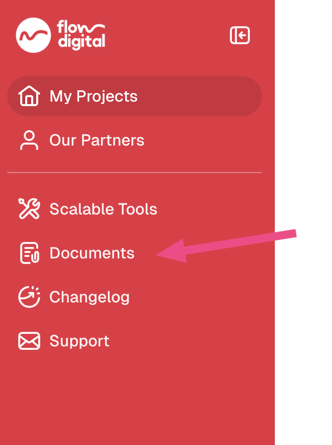
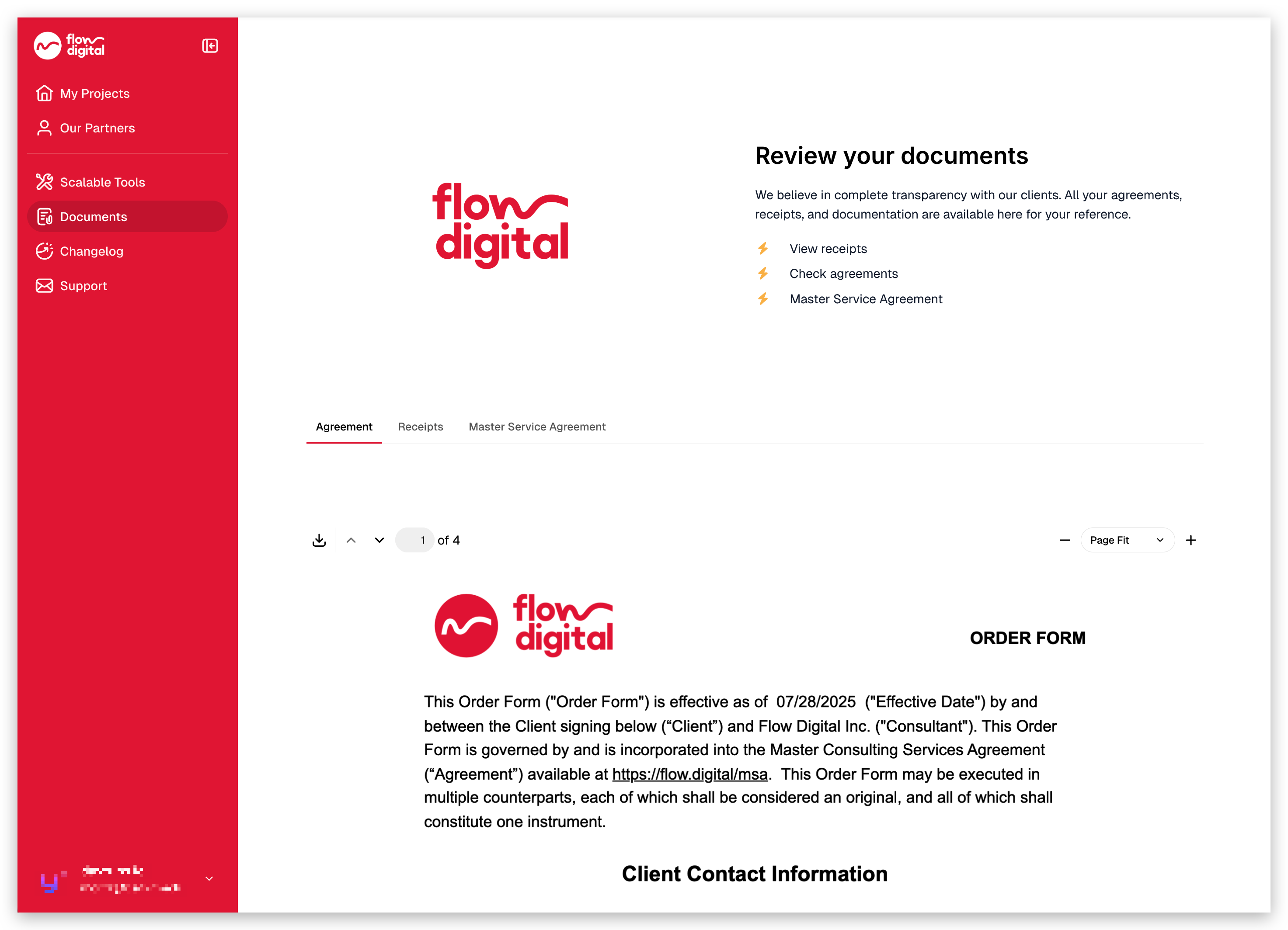
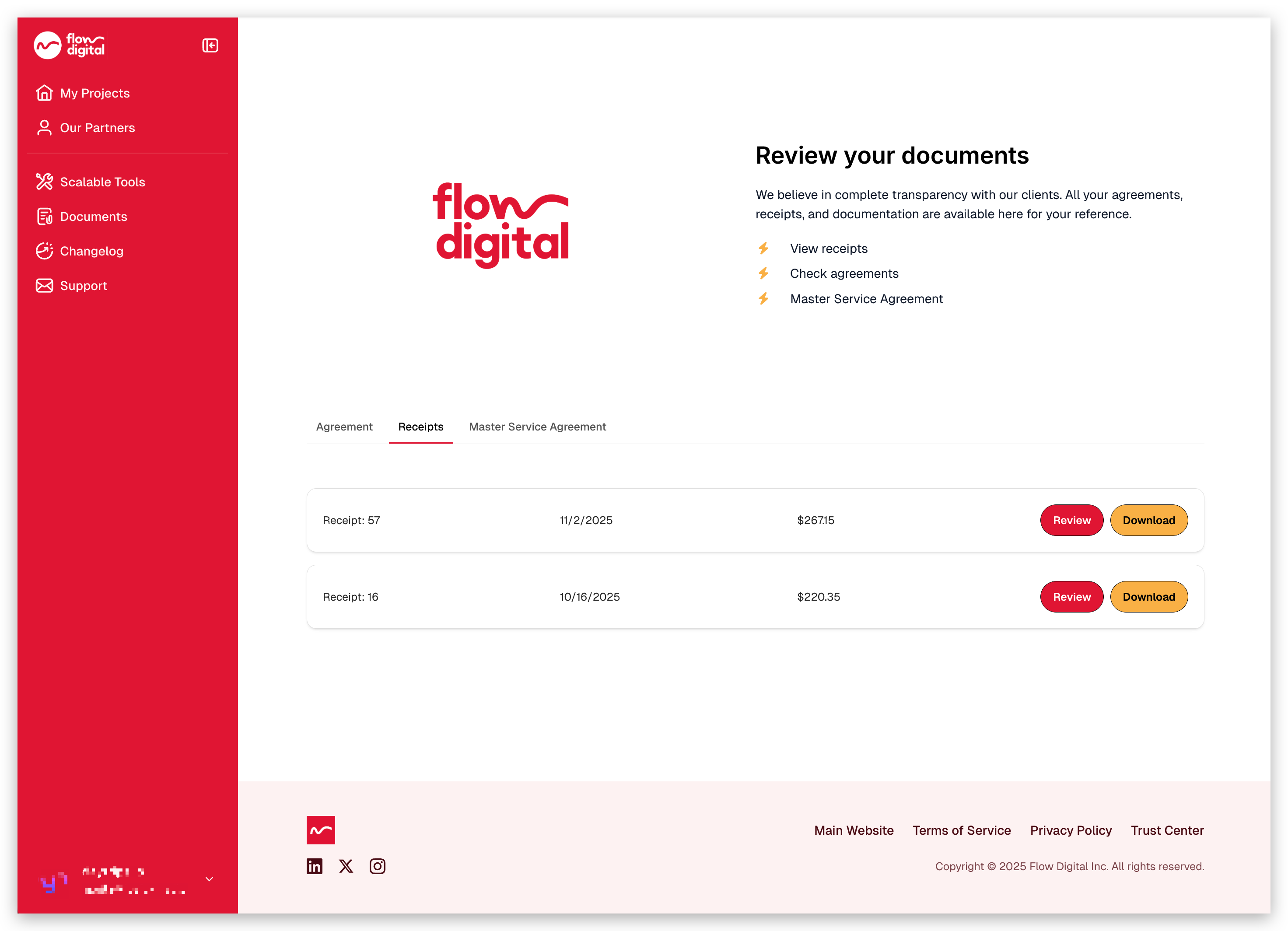
You will see the following available items:
-
Agreements – Your signed service agreements
-
Receipts – All payment receipts issued for your account
- MSA (Master Service Agreement) – Your governing contract with Flow Digital
-
- Click any item to open, view, or download it.
Note: Receipts pre-dating ~October are unavailable in the portal. Please email billing@flow.digital to request older records.
Why This Matters
Keeping your legal and payment documents easily accessible helps you:
- Stay updated on your current service terms
- Download receipts for accounting or reimbursement
- Quickly revisit the MSA details when needed
Related Articles:
- How to Register in the Client Portal
- I’m Trying to Login to the Client Portal, But I’m Not Receiving Any Codes
- Need Help? Here’s How to Contact Flow Digital
- How to Find Your Project Lead (For Existing Clients)
- How to Book a Meeting with Your Project Lead (For Existing Clients)
- My client portal
- How to Check Your Remaining Credits or Time in the Client Portal
- Opt-In Email Notifications for 90% Credit Usage
- How to Access Your Meeting Recordings in the Client Portal
- Can I Use Multiple Accounts to Access the Client Portal?